Auto Login between Switch Flavor
What is Auto Login?
Auto Login Between Switch Flavor is a feature that allows users to remain logged in automatically when they switch between different versions or "flavors" of an application. "Switch flavor" literally means "changing taste" or "changing variant." In the context of technology or application development, "flavor" refers to different variants or versions of an application or software. For example, in an application that has a standard version and a premium version, Auto Login Between Switch Flavor ensures that users who have logged in to one version do not need to re-login when switching to another version. This enhances user convenience by reducing the need to log in repeatedly.
The Purpose of Using Auto Login
The Auto Login Between Switch Flavor feature is designed to streamline the development process for mobile engineers, specifically within Visual Studio Code. With this feature, you no longer need to manually re-login every time you switch between different launch modes such as Staging and Production.
Technical Background
Flowchart
Folder and File Structure
lib
├── controllers
|   └── new_controller
|       ├── auth_new.dart
|       ├── spf_C.dart
|       └── splash_c.dart
├── models
│   ├── flavor_m.dart
│   └── login_method_m.dart
├── new
│   └── new_route.dart
├── constants.dart
├── main_prod.dart
└── main_stag.dart
| # | File Name | Description |
|---|---|---|
| 1 | constants.dart | Store launch value type (production and staging). |
| 2 | main_prod.dart | File utama yang berisi entry point untuk autologin tipe launch production. |
| 3 | main_stag.dart | File utama yang berisi entry point untuk autologin tipe launch staging. |
| 4 | new_route.dart | routing, secara detail didalamnya mengeksekusi splash_c.dart to run |
| 5 | flavor_m.dart | flavor model |
| 6 | login_method_m.dart | login method model |
| 7 | splash_c.dart | trigerred by new_route.dart mengatur flow UI/UX berdasarkan 2 if conditional di authlogin // prev flavor // |
| 8 | spf_C.dart | get and store 2 if conditional data flavortype and login method (``) |
| 9 | auth_new.dart | inti dari fitur autologin, main function code |
How To
- Run the simulator, for example, run the
Staginglaunch mode. - Do login. Using Arkademi/Facebook/Apple/Google account.
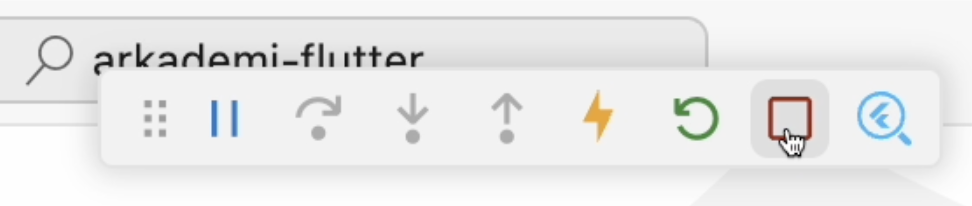
- Click the 'Stop' button (red square icon) on the debug toolbar to stop the simulator.
caution
Before switching any launch mode, it is essential to stop the current launch mode app to avoid conflicts.
- Change the launch type to
Production.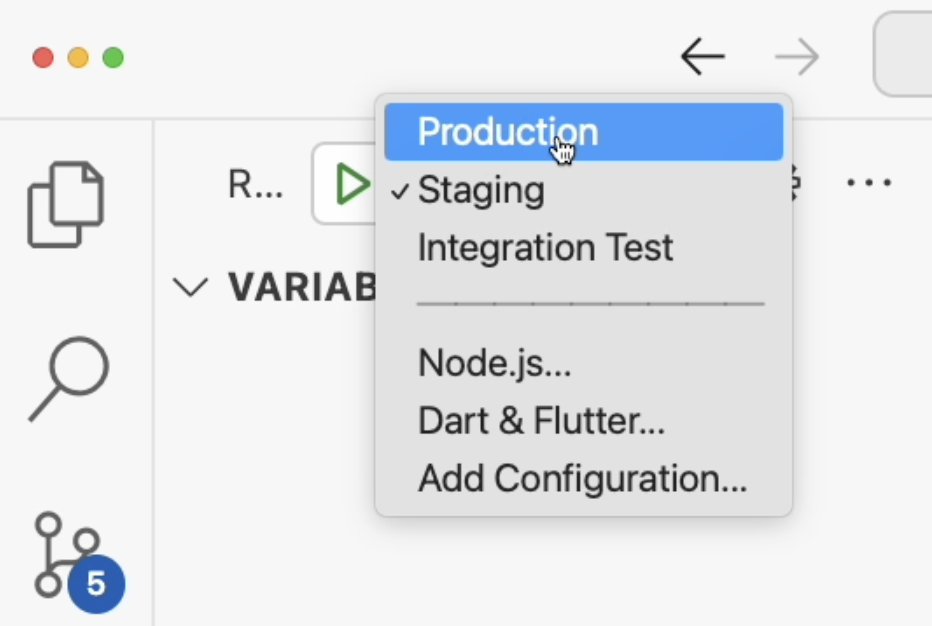
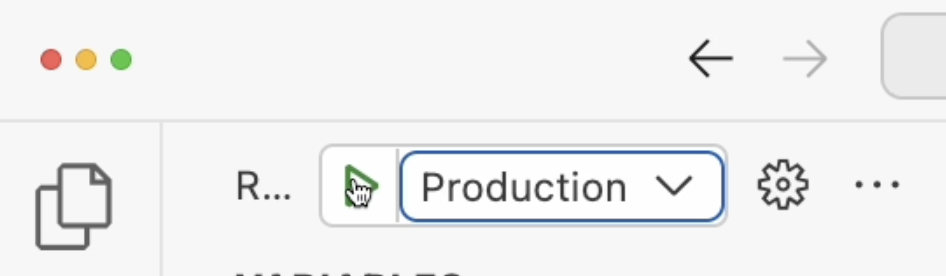
- Start the simulator.
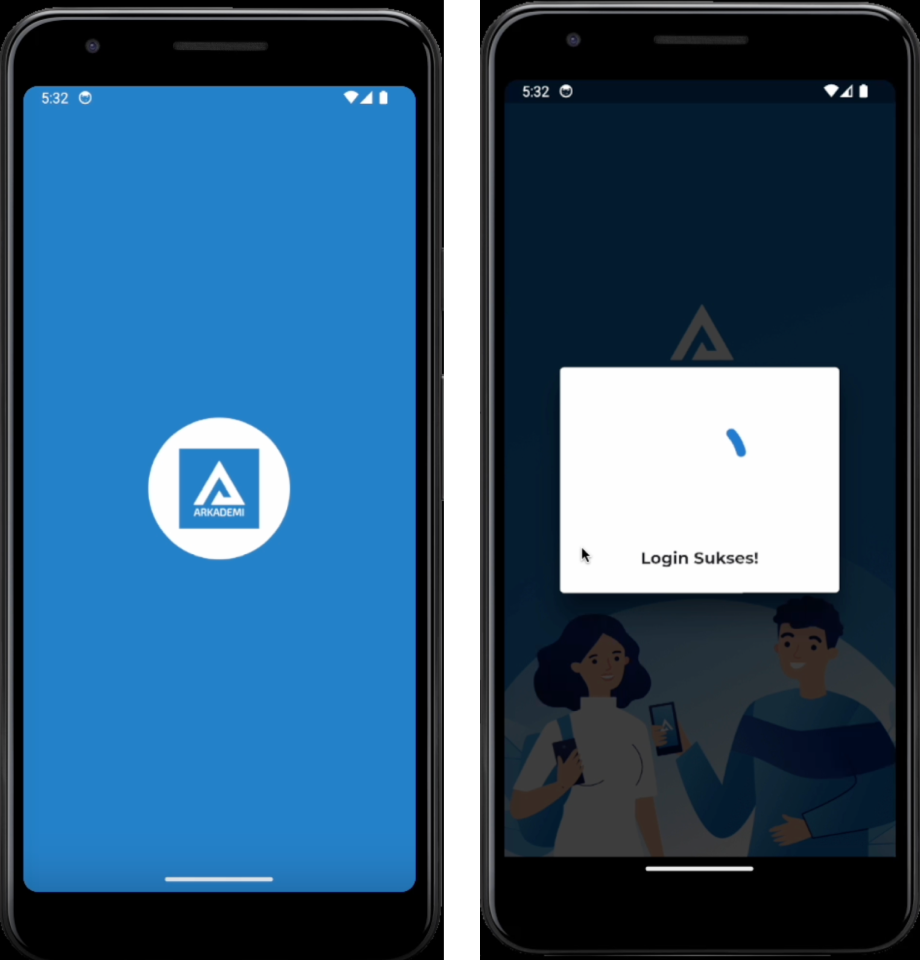
- Wait, the simulator has to reload the application and then you will see the application autologin
tip
Depicting the loading screen indicating the state where the app is performing auto-login for the new launch type.
- Done! Now you can use each launch without login.
Written by Kai and Media
Mei 2024