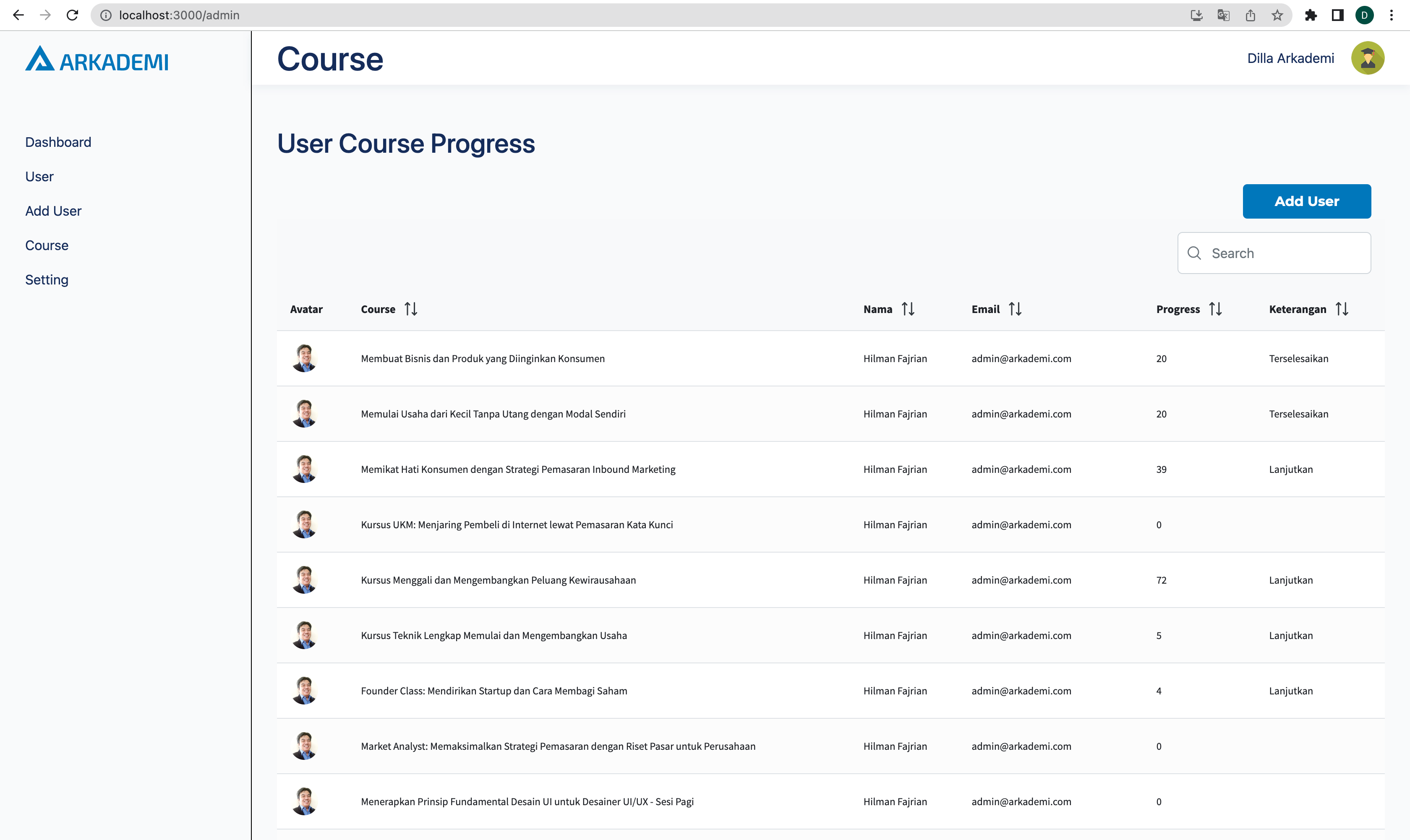
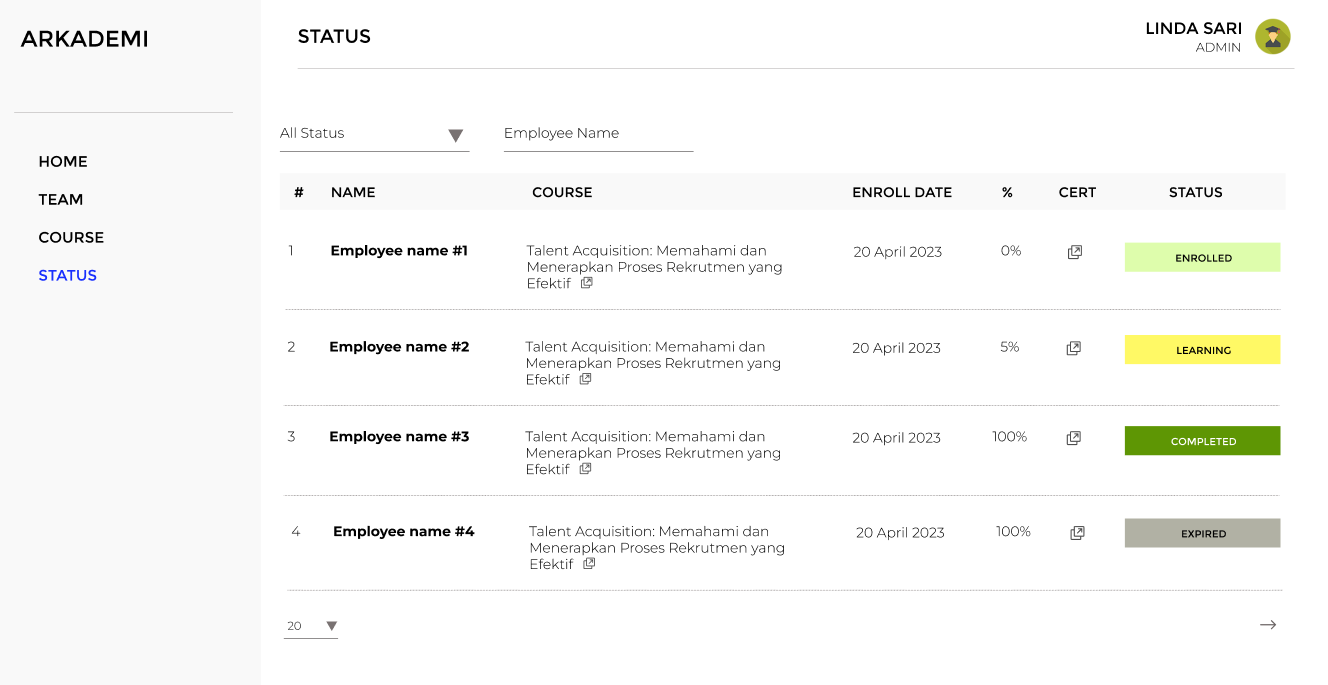
V1
System Modeling
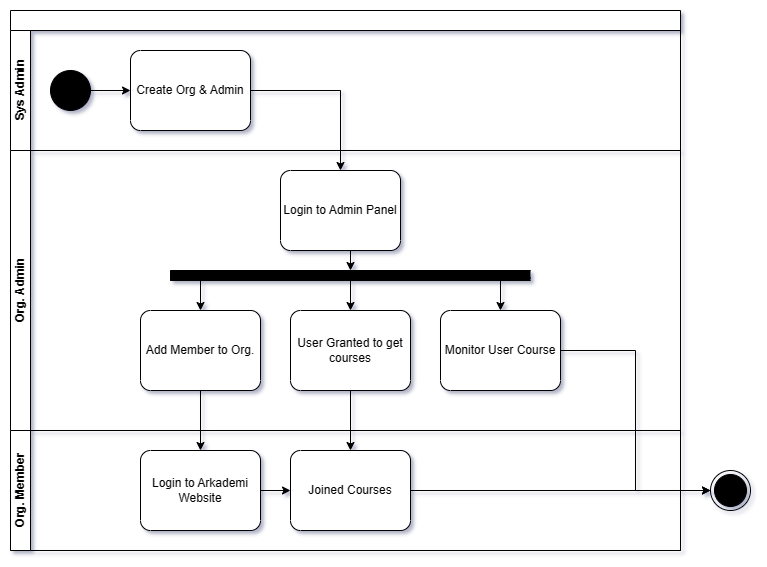
System modeling of the admin panel involves creating a visual representation of the structure and behavior of the Admin B2B in a software system. It typically includes the identification and organization of different components or modules, the specification of their interfaces and interactions, and the description of their functionalities and limitations.
Activity Diagram
- Development (1)
Actors

In this B2B Admin Panel system, there are 2 actors who are members of an organization. Both have their own functions as follows:
| Role | In System | Function |
|---|---|---|
| Admin Corporate | admin_organization | Admin Corporate is the main user role that can access some of the B2B admin panel features, from adding users to courses, adding users to corporate, and monitoring the learning progress of their corporates. |
| Employee | member_organization | Employee is a user managed by the admin. |
Some changes about naming the actors:
- From Organization to Corporate
- From Admin to Corporate Admin
- From Member to Employee
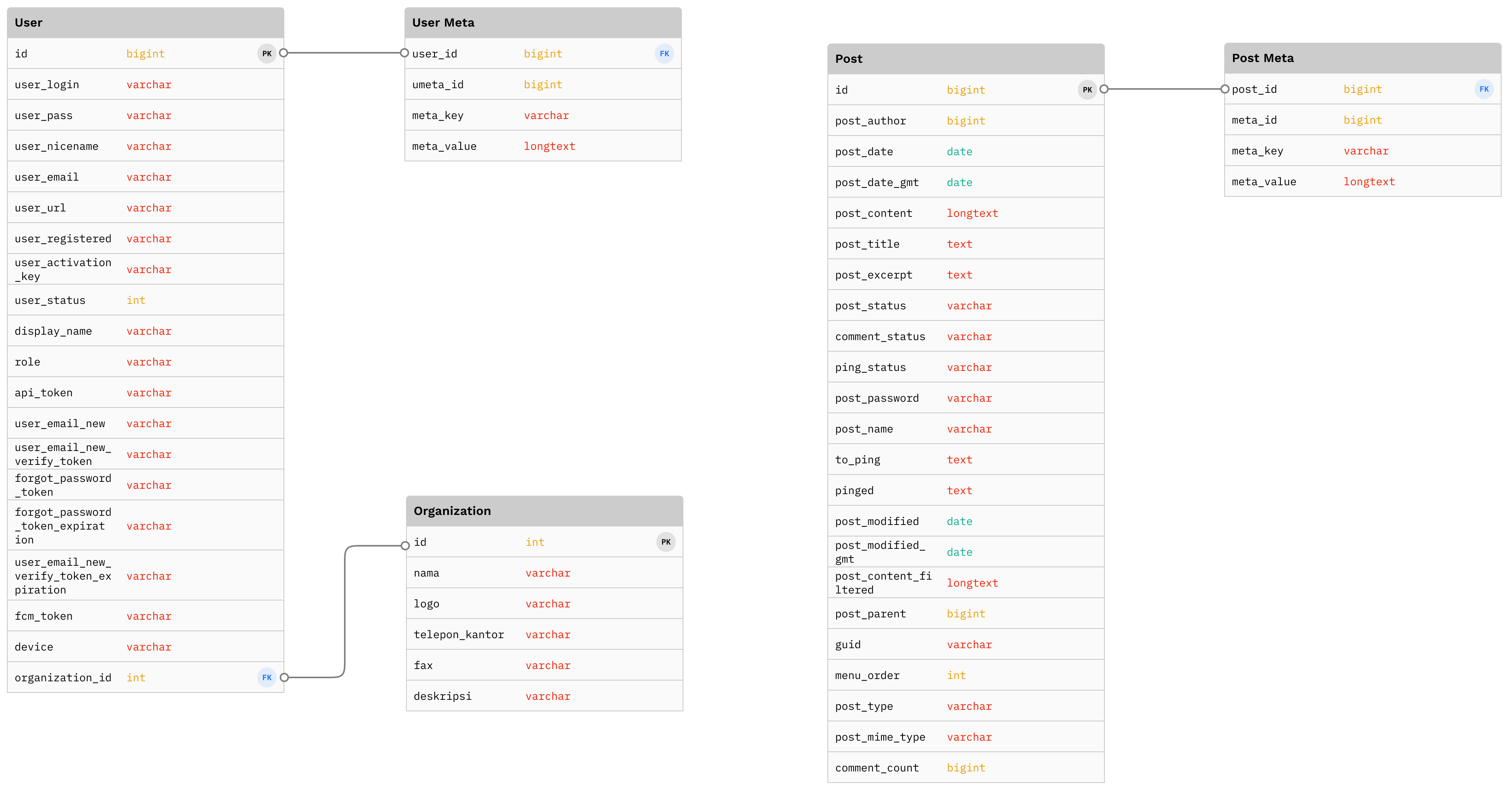
Database Mapping
- Development (1)
Requirements
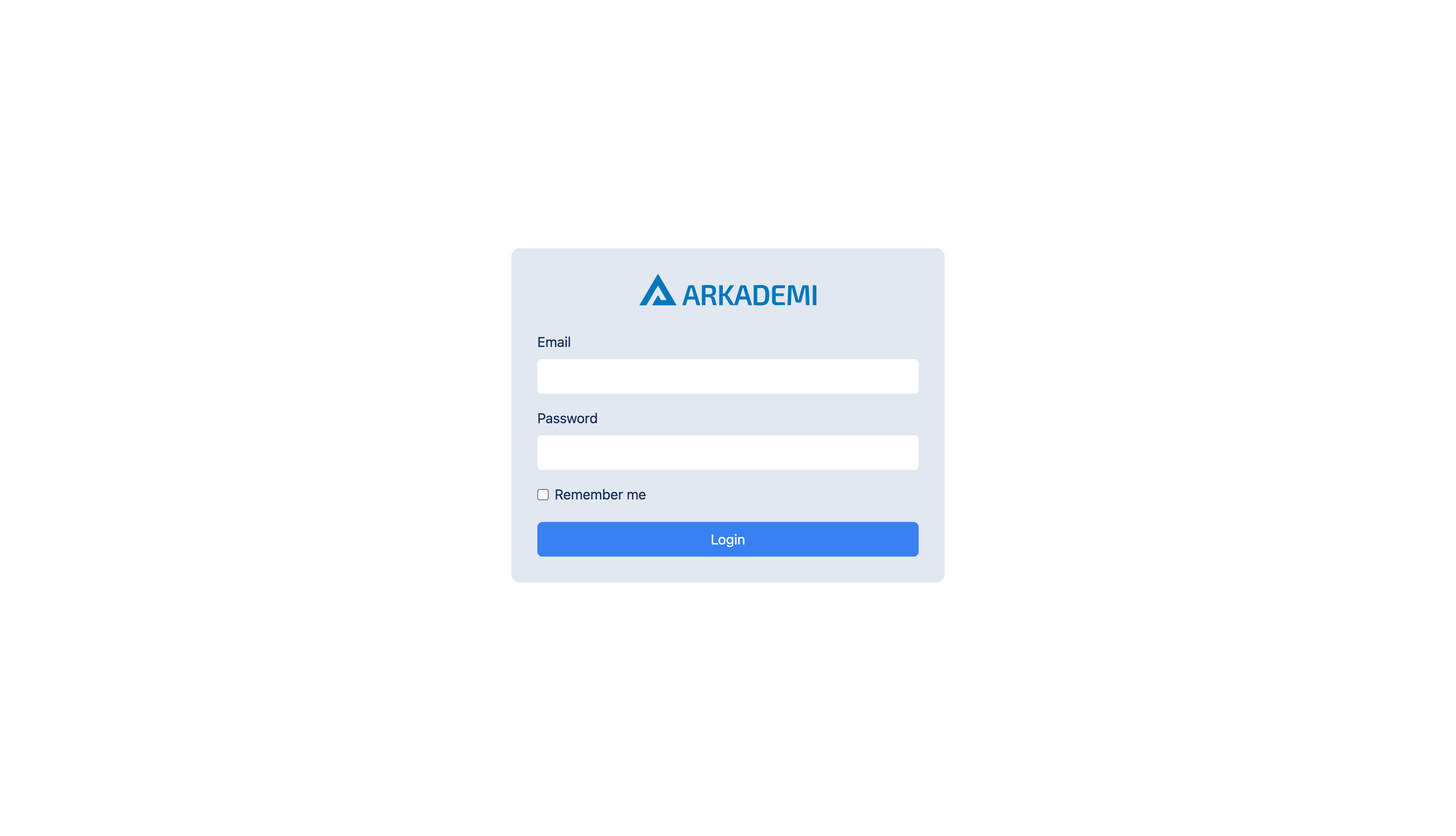
Login
Because this admin panel is only intended for Corporate Admins, the login page can only be accessed by Corporate Admins. And the login credentials in this application with the Arkademi website are different, to avoid crash.
- Development (1)
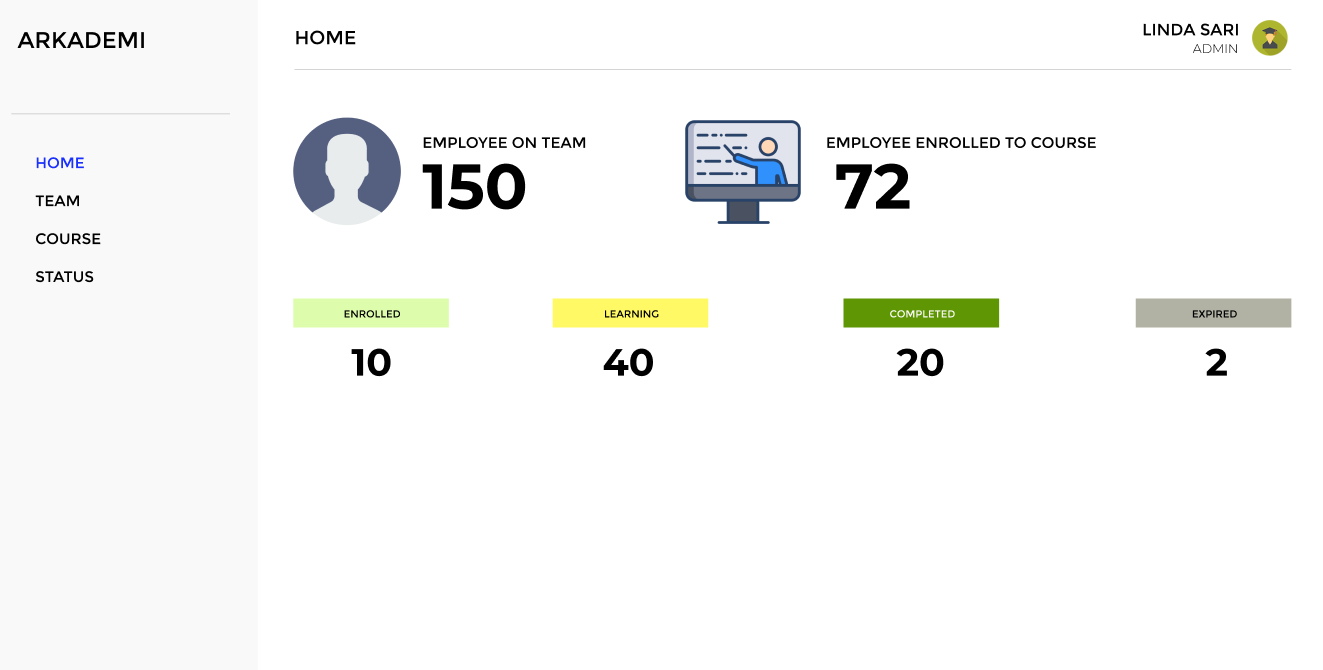
Dashboard (Landing Page)
A page that provides information about the status of employee learning, making it easier for Corporate Admins to monitor.
API
GET
https://apicourse2.arkademi.com/api/v1/adminB2B/dashboard
Header Authorization Token:
8fUnD3aO!LqgiVSQaLzu6eOloyuIjzea9ss1QxA(
- Development (2)
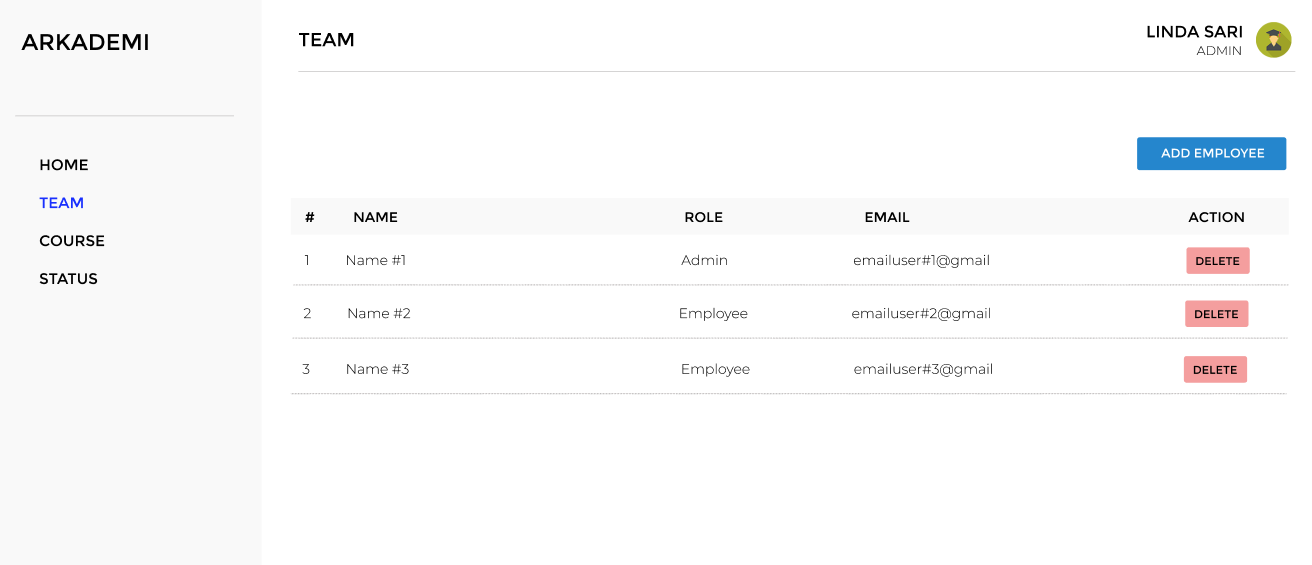
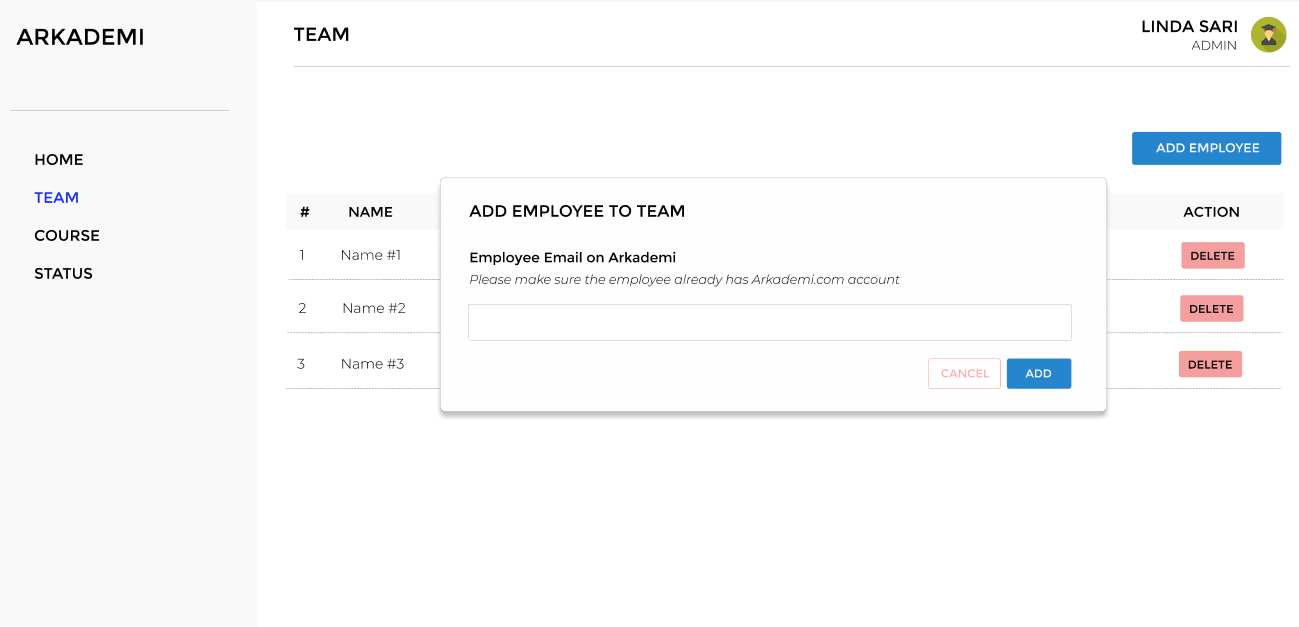
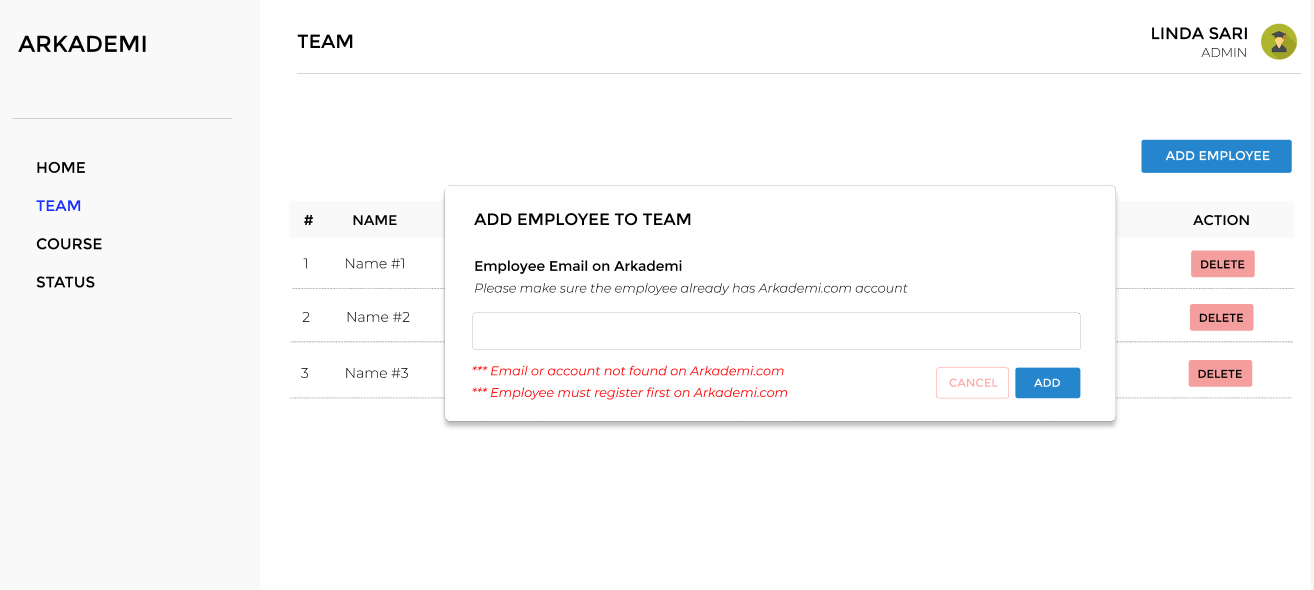
Team Page
This page provides a feature where Corporate Admins can add new users (Employee) to the Corporate. Note, users with role Corporate Admin are created by the Arkademi team.
API
POST
https://apicourse2.arkademi.com/api/v1/adminB2B/add-user
Body:
"email":"naufal.arkademi@gmail.com"
- Development (1)
- Development (2)
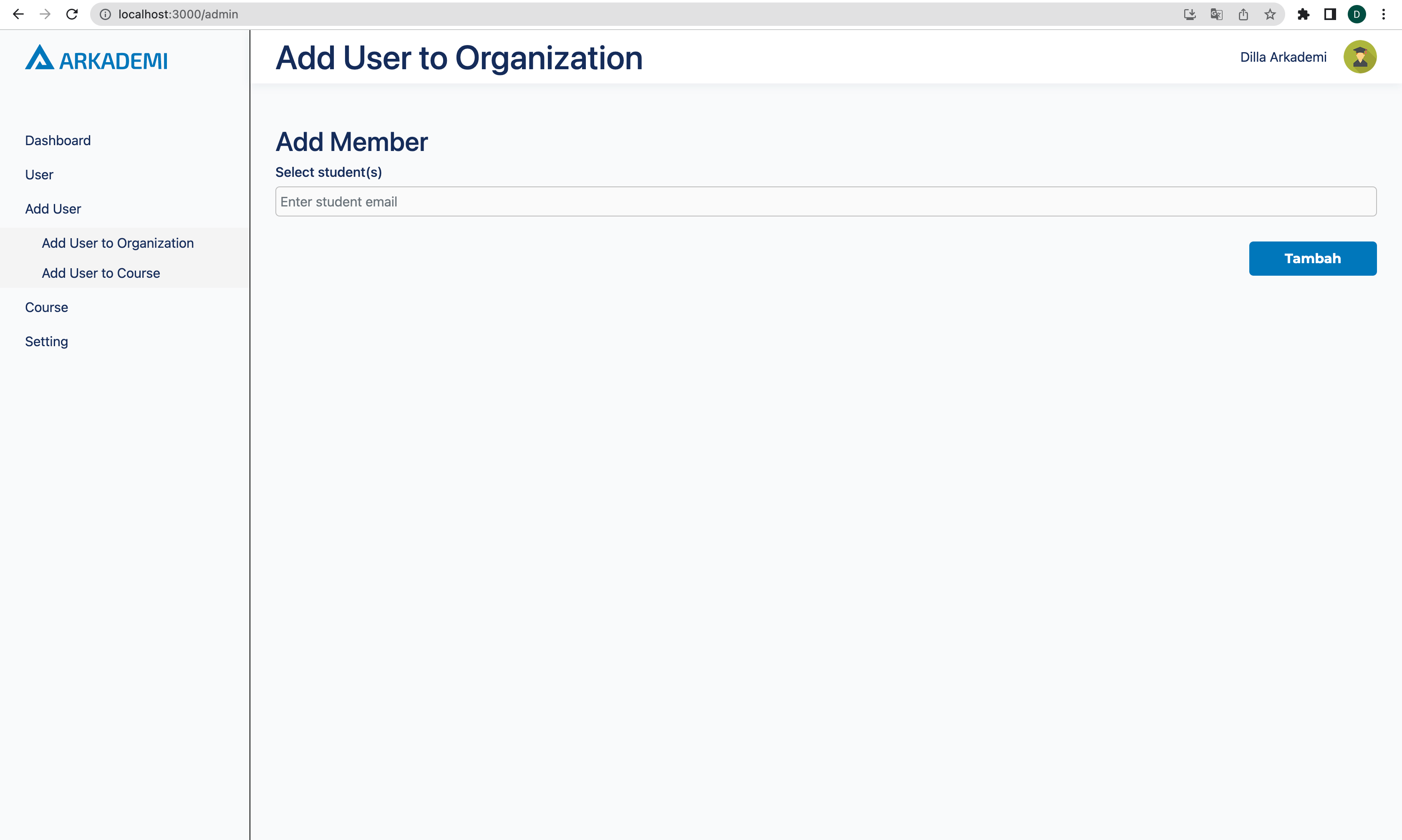
Course Page
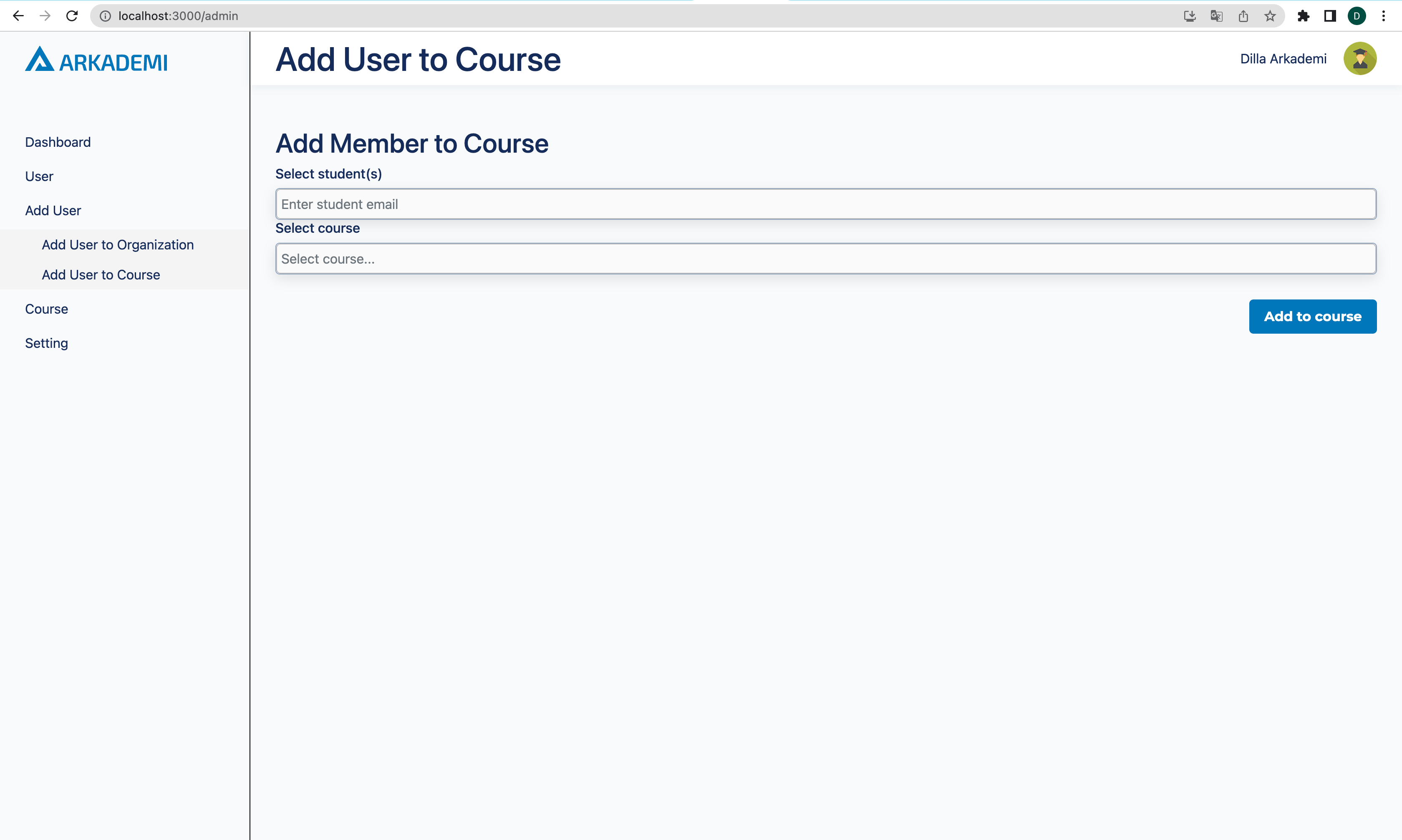
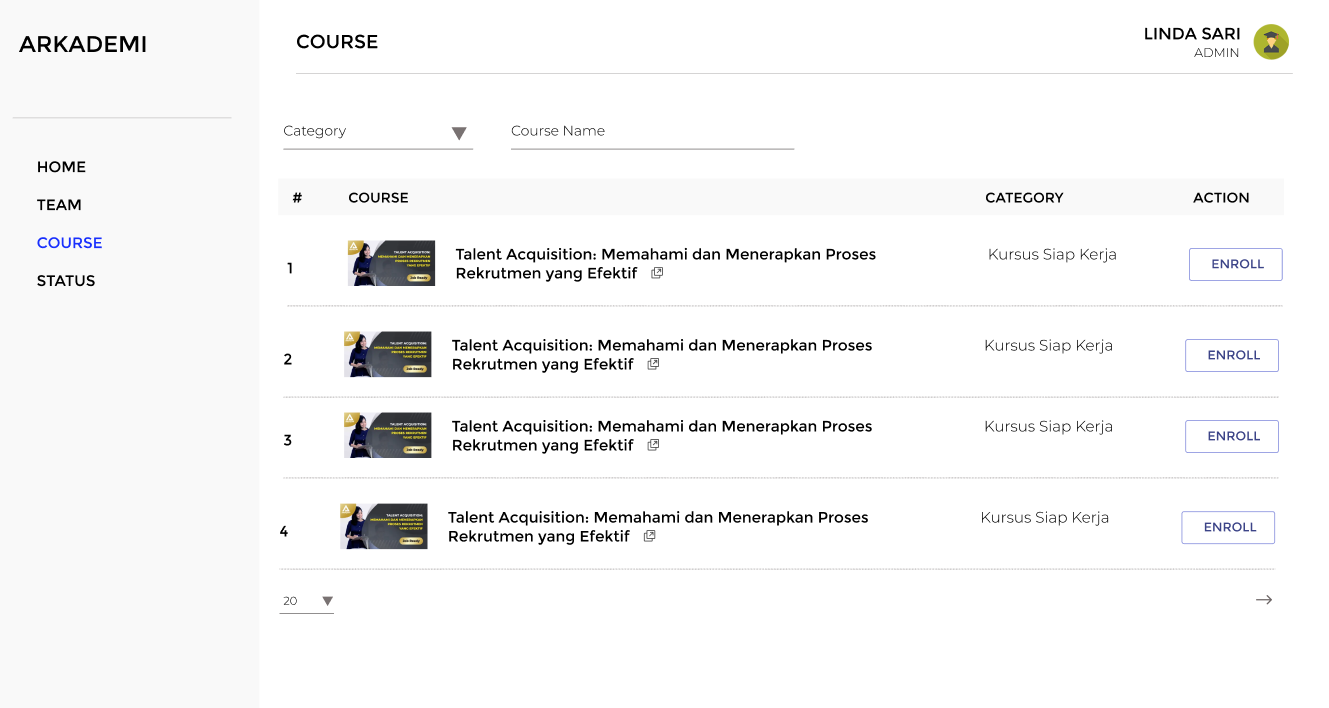
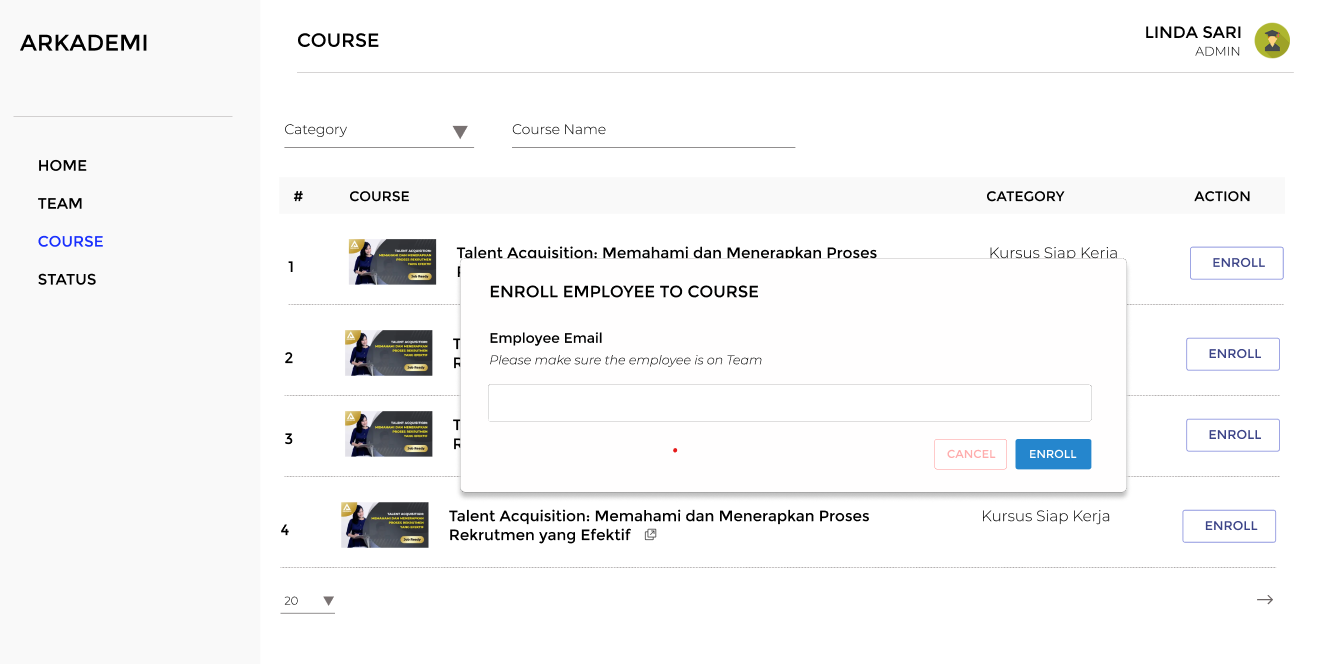
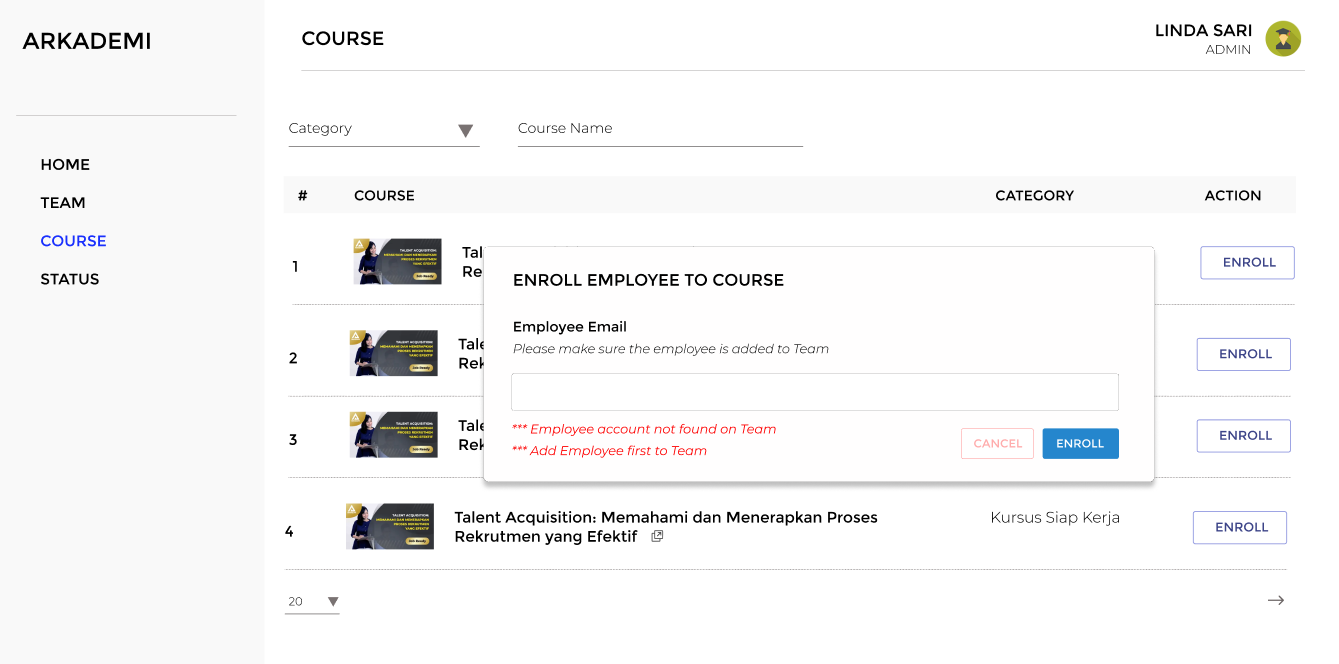
When a member has been created, then the member can be added to a course. The member can log in on the Arkademi website and have a class that has been added by the Corporate Admin in the previous activity.
API
GET
https://apicourse2.arkademi.com/api/v1/adminB2B/users
Header Authorization:
Zpl3IUYt!4Vwd2DtGcaZ27yJcSpTUfMZvuFj(5yY
POST
http://apicourse.local:91/api/v1/adminB2B/addUserCourse
Header Authorization:
Zpl3IUYt!4Vwd2DtGcaZ27yJcSpTUfMZvuFj(5yY
Form:
course_id = "1-Zv+jUm988Mve4bKYLlAA=="
- Development (1)
- Development (2)
Status
Members who are taking lessons can be monitored on this page.
API
GET
https://apicourse2.arkademi.com/api/v1/adminB2B/users-progress
Header Authorization:
Zpl3IUYt!4Vwd2DtGcaZ27yJcSpTUfMZvuFj(5yY
- Development (1)
- Development (2)